
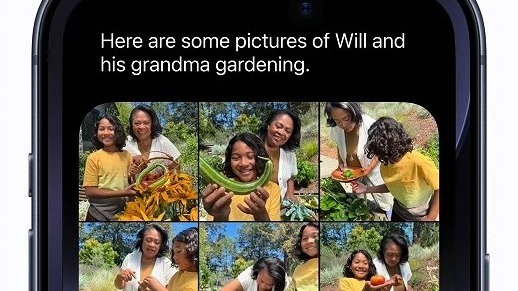
So you installed iOS 27, hunted through Settings for the new Siri, and found the same old Siri. You are not missing anything. Apple just didn’t tell you the headline feature needs a second sign-up.
Siri AI is a gated beta. Updating the OS only makes you eligible. You still have to join a waitlist, and a surprising number of gates can keep you out. Here is the full path.
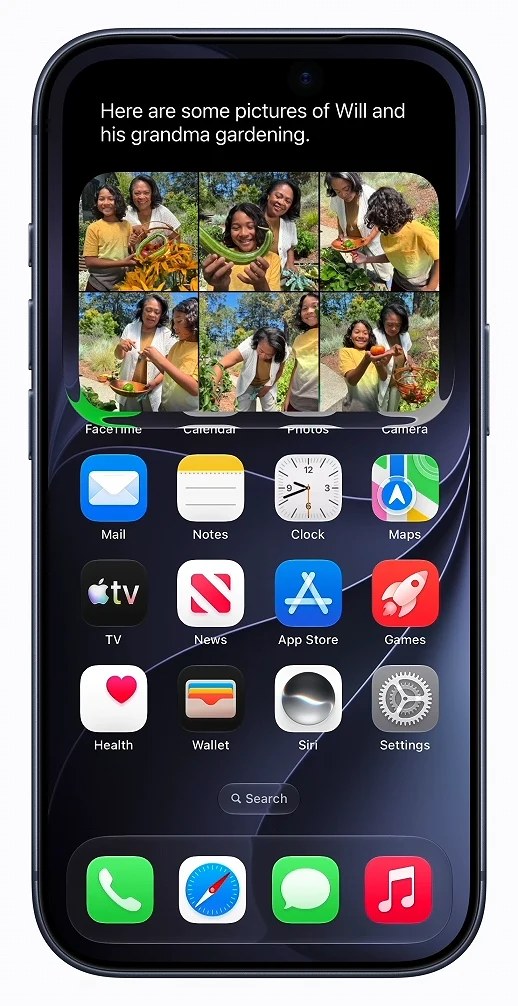
First, check you can even get in
- iPhone: 15 Pro, 15 Pro Max, any iPhone 16 or later, iPhone Air. The regular iPhone 15 and 15 Plus do not qualify, even on iOS 27.
- Language: your device language and Siri language must both be English, the only supported language at launch. French, Japanese, Korean, Portuguese and Spanish arrive in October.
- Region: what counts is your Apple Account region, not where you are standing. EU and mainland China accounts are excluded. India is fine.
- Age: 13 or older, no exceptions.
- Storage: the Apple Intelligence models need roughly 8 to 14 GB free.
Sort the language out before you start. Apple warns that switching Siri’s language can knock Apple Intelligence offline until everything downloads and matches again.
Join the waitlist
- Update to iOS 27 in Settings > General > Software Update, if you haven’t already.
- Open Settings and tap Siri. If Siri is turned off, turn it on first.
- Tap Try Siri AI (Beta).
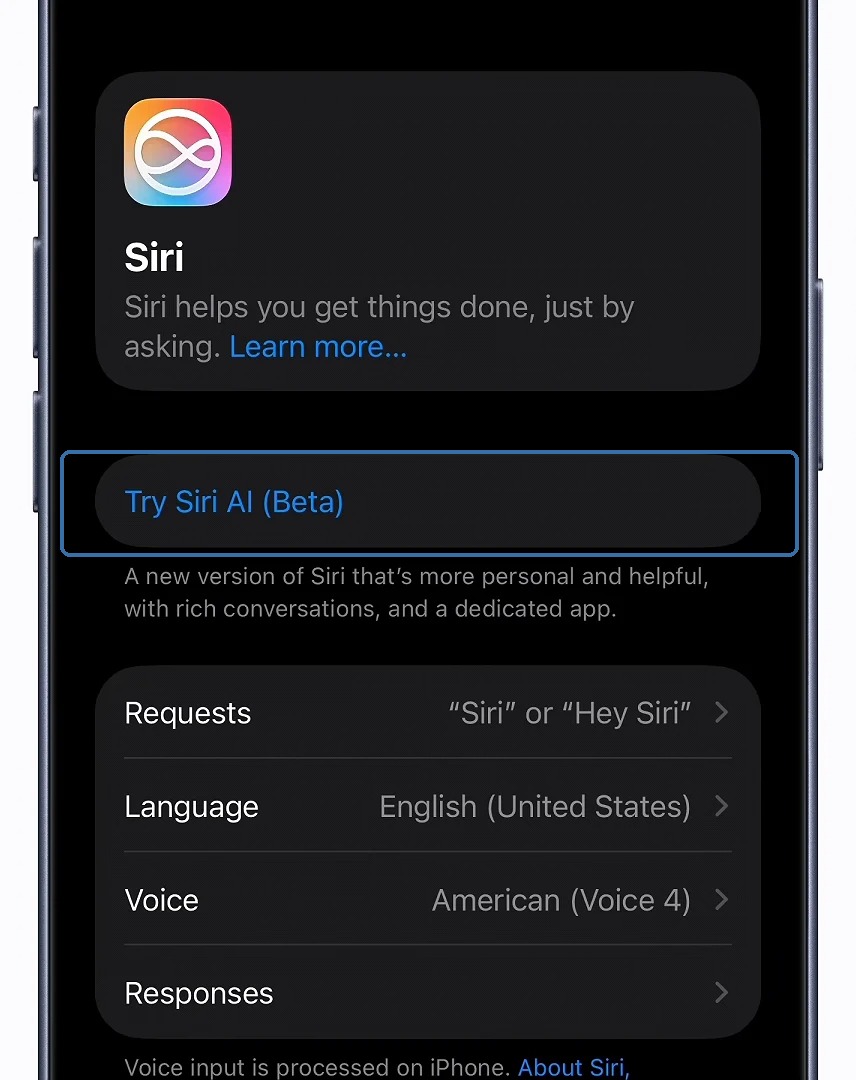
- Pick a voice, complete voice enrollment, and review the privacy settings.
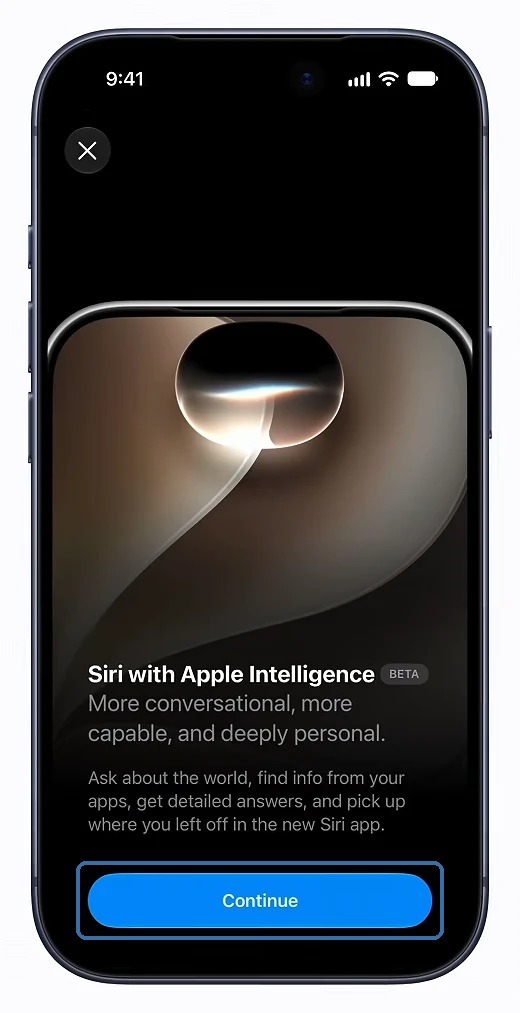
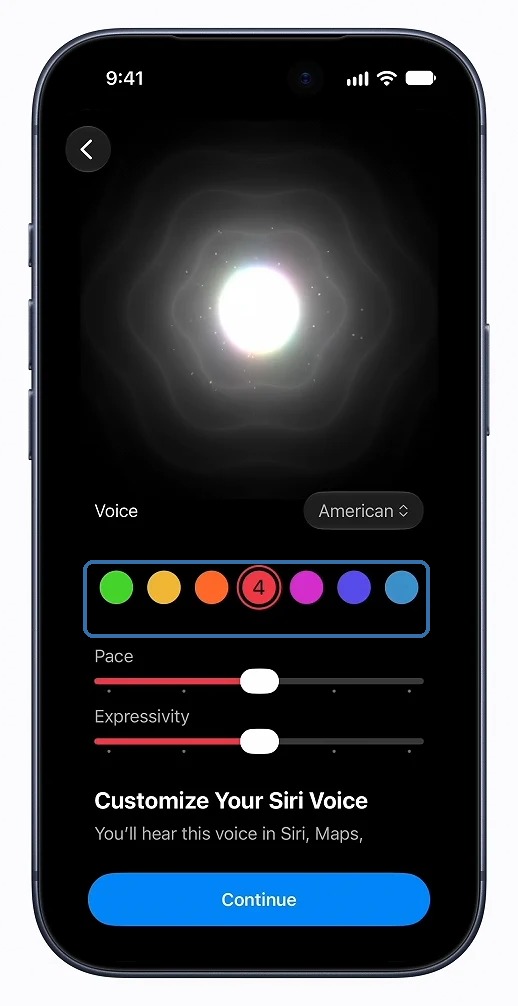
- That’s it. You’re in the queue. Apple says “wait times can vary”. When your turn comes, Siri AI downloads automatically and you get a notification.
One quirk: if you ran Siri AI during the beta, you have to rejoin the waitlist now that iOS 27 is public. Yes, really.
While you wait
The dedicated Siri app only appears once Siri AI actually lands on your phone, so if you can’t find it, you haven’t been let in yet. Reported waits range from a few minutes to most of a day, and remember this is still a beta. Apple says usage limits may apply to heavier requests. Changed your mind? The same Settings screen lets you go back to what Apple calls Siri Classic.
How long was your wait? Tell us in the comments, and mention which gate tripped you up if one did.